
Overview
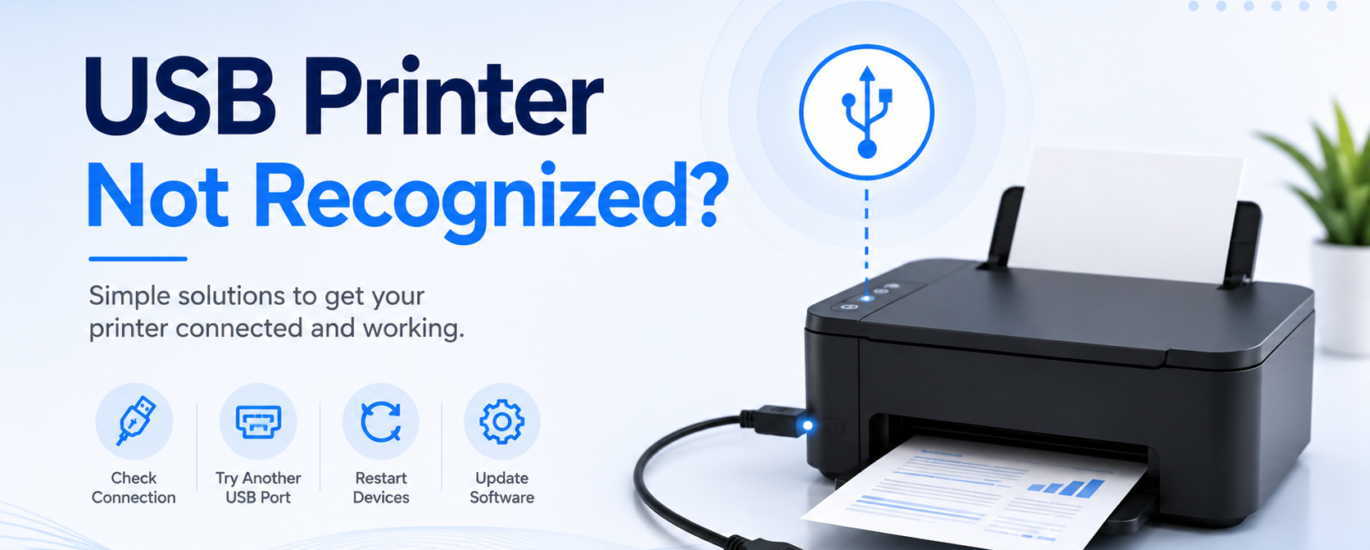
A USB printer that is not recognized can stop you from printing important documents and completing everyday tasks. This issue is often caused by a loose connection, a damaged USB cable, outdated software, or temporary communication problems between the printer and the computer. In most cases, the problem can be resolved with a few simple troubleshooting steps without requiring new hardware.
Common Causes
- Loose or damaged USB cable
- Faulty USB port
- Printer not powered on
- Temporary connection error
- Outdated or missing printer software
- Printer not properly installed
How to Fix a USB Printer That Is Not Recognized
1. Check the USB Cable
Make sure the USB cable is securely connected to both the printer and the computer. If possible, try using another cable to rule out a faulty connection.
2. Try a Different USB Port
Disconnect the printer and connect it to another USB port on your computer. A damaged or inactive port may prevent the printer from being detected.
3. Restart the Printer and Computer
Turn off both the printer and the computer. Wait for about one minute before turning them back on, then reconnect the USB cable and check if the printer is recognized.
4. Reinstall the Printer
If the printer still isn’t detected, remove the existing printer entry from your device settings and install it again. This refreshes the connection between the printer and the computer.
5. Update the Printer Software
Ensure the printer software is up to date. Updated software can improve compatibility and resolve communication issues.
6. Disconnect Other USB Devices
If several USB devices are connected, unplug the ones you are not using and reconnect the printer. This can help avoid connection conflicts.
Prevention Tips
- Use a good-quality USB cable.
- Avoid unplugging the printer while it is in use.
- Keep the printer software updated.
- Connect the printer directly to the computer when possible.
- Check USB connections regularly for wear or damage.
Conclusion
A USB printer not being recognized is usually caused by a connection or software issue rather than a hardware failure. Checking the cable, trying a different USB port, restarting your devices, and reinstalling the printer can often restore normal operation. Regular maintenance and updated software can help prevent future connection problems.
FAQs
Why is my USB printer not being detected?
This may happen because of a faulty USB cable, an inactive USB port, outdated software, or a temporary communication issue.
Will changing the USB port help?
Yes. Connecting the printer to a different USB port can often resolve detection problems caused by a faulty or inactive port.
How can I prevent USB connection issues?
Use a reliable USB cable, keep the printer software updated, and avoid disconnecting the printer while it is actively printing.