
Overview
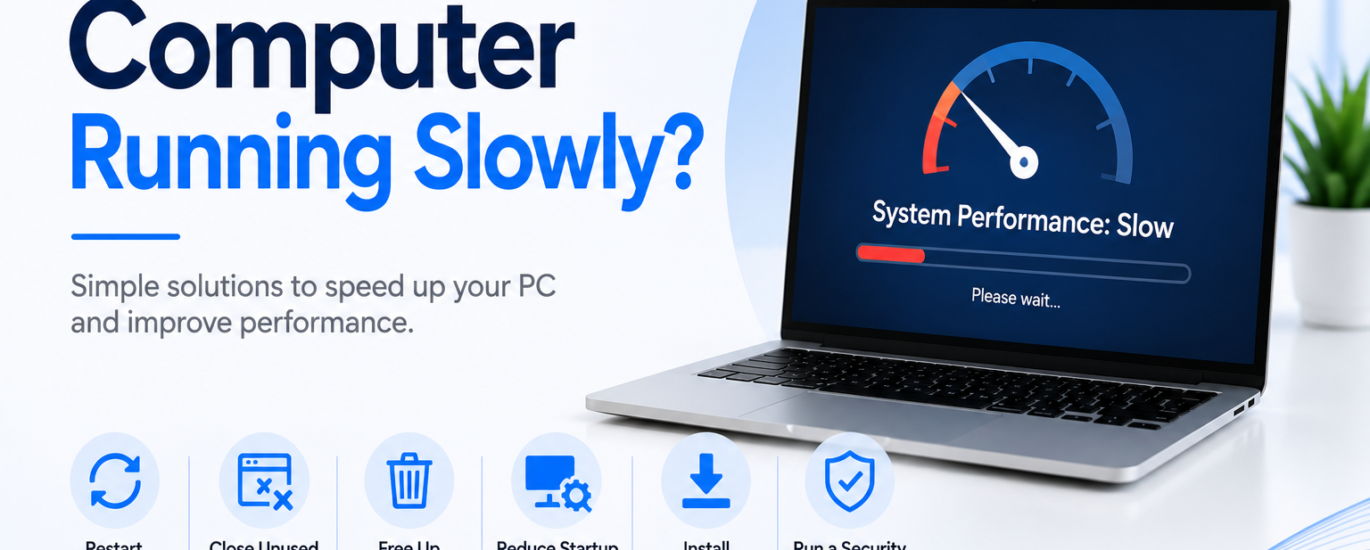
A computer that runs slowly can affect productivity and make everyday tasks take longer than expected. You may notice delays when opening applications, browsing the internet, or switching between programs. This issue is commonly caused by limited storage, too many background processes, outdated software, or unnecessary startup programs. In most cases, a few simple maintenance steps can help improve your computer’s speed and responsiveness.
Common Causes
- Too many applications running
- Limited storage space
- Excessive startup programs
- Outdated software
- Background processes using system resources
- Temporary files and unnecessary data
How to Fix a Computer Running Slowly
1. Restart Your Computer
Restart your computer to clear temporary files and close background processes that may be slowing down the system.
2. Close Unused Applications
Exit programs you are not actively using. Running too many applications at once can reduce overall performance.
3. Free Up Storage Space
Delete unnecessary files, empty the recycle bin, and uninstall applications you no longer need. Keeping enough free storage helps your computer run more efficiently.
4. Reduce Startup Programs
Disable unnecessary applications that automatically start when the computer is turned on. This can improve startup time and overall performance.
5. Install Software Updates
Keep your system and installed applications up to date. Updates often include performance improvements and stability fixes.
6. Run a Security Scan
Perform a full security scan to detect and remove unwanted software that may be affecting your computer’s speed.
Prevention Tips
- Restart your computer regularly.
- Keep enough free storage available.
- Remove unused applications and files.
- Limit the number of startup programs.
- Install software updates when available.
- Run regular security scans.
Conclusion
A computer running slowly is usually the result of software, storage, or background activity rather than a serious hardware issue. Regular maintenance, freeing up storage, keeping software updated, and reducing unnecessary programs can significantly improve performance and help your computer run smoothly.
FAQs
Why is my computer running slowly?
Common causes include low storage space, too many background applications, outdated software, or excessive startup programs.
Will restarting my computer improve its speed?
Yes. Restarting clears temporary processes and refreshes system resources, which often improves performance.
How can I keep my computer running faster?
Keep your software updated, remove unnecessary files, limit startup applications, perform regular security scans, and restart your computer regularly.