
Overview
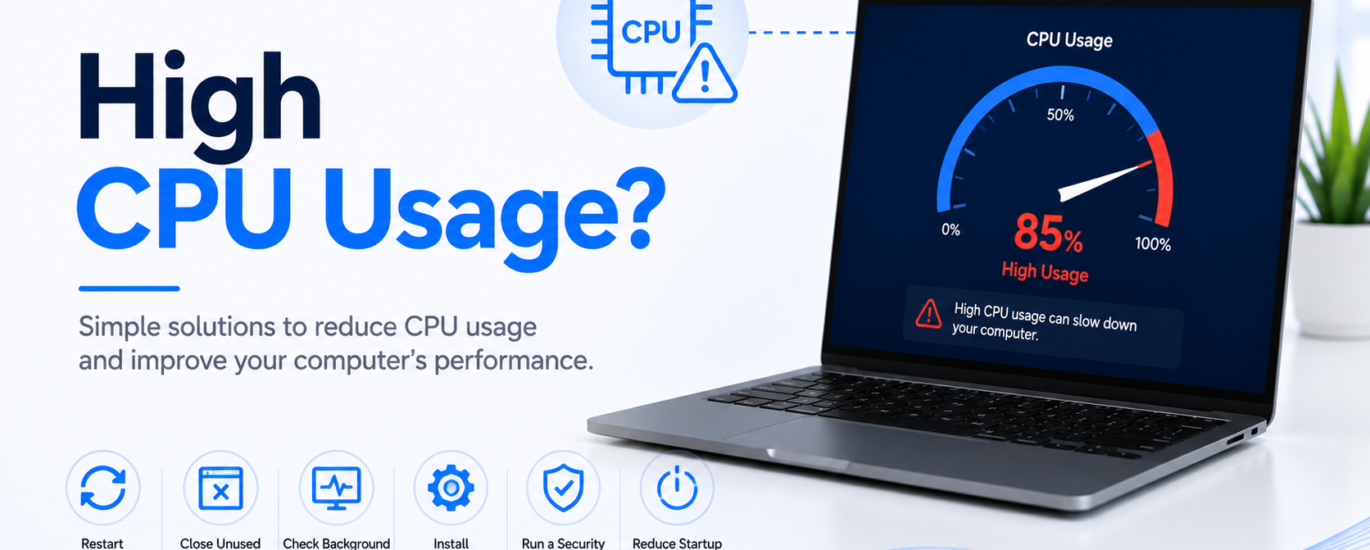
High CPU usage can make your computer feel slow, unresponsive, or sluggish. You may notice applications taking longer to open, delayed responses, or the system becoming warm during normal use. This issue is often caused by too many background processes, resource-intensive applications, outdated software, or temporary system errors. In most cases, high CPU usage can be reduced with a few simple troubleshooting steps.
Common Causes
- Too many applications running simultaneously
- Background processes consuming system resources
- Outdated software
- Resource-intensive programs
- Temporary system errors
- Unwanted or suspicious software
How to Fix High CPU Usage
1. Restart Your Computer
Restarting your computer closes unnecessary background processes and refreshes system resources, which can reduce CPU usage.
2. Close Unused Applications
Exit programs you are not currently using. Running multiple applications at the same time can place extra load on the processor.
3. Check Background Processes
Review active background processes and close any unnecessary tasks that are consuming excessive system resources.
4. Install Software Updates
Keep your system and installed applications up to date. Updates often include performance improvements and bug fixes.
5. Run a Security Scan
Perform a full security scan to detect and remove unwanted software that may be using excessive CPU resources.
6. Reduce Startup Programs
Disable unnecessary applications that launch automatically when your computer starts. This helps reduce CPU usage during startup and normal operation.
Prevention Tips
- Restart your computer regularly.
- Keep your software updated.
- Limit unnecessary startup applications.
- Close programs you are not using.
- Perform routine security scans.
- Keep sufficient free storage available.
Conclusion
High CPU usage is usually caused by software or background processes rather than hardware failure. Restarting your computer, closing unnecessary applications, updating software, and performing regular maintenance can help reduce CPU usage and improve overall system performance.
FAQs
Why is my CPU usage always high?
High CPU usage is commonly caused by multiple running applications, background processes, outdated software, or unwanted programs consuming system resources.
Can restarting my computer reduce CPU usage?
Yes. Restarting your computer clears temporary processes and often restores normal CPU performance.
How can I prevent high CPU usage?
Keep your software updated, close unused applications, limit startup programs, and perform regular security scans to maintain smooth performance.