
Overview
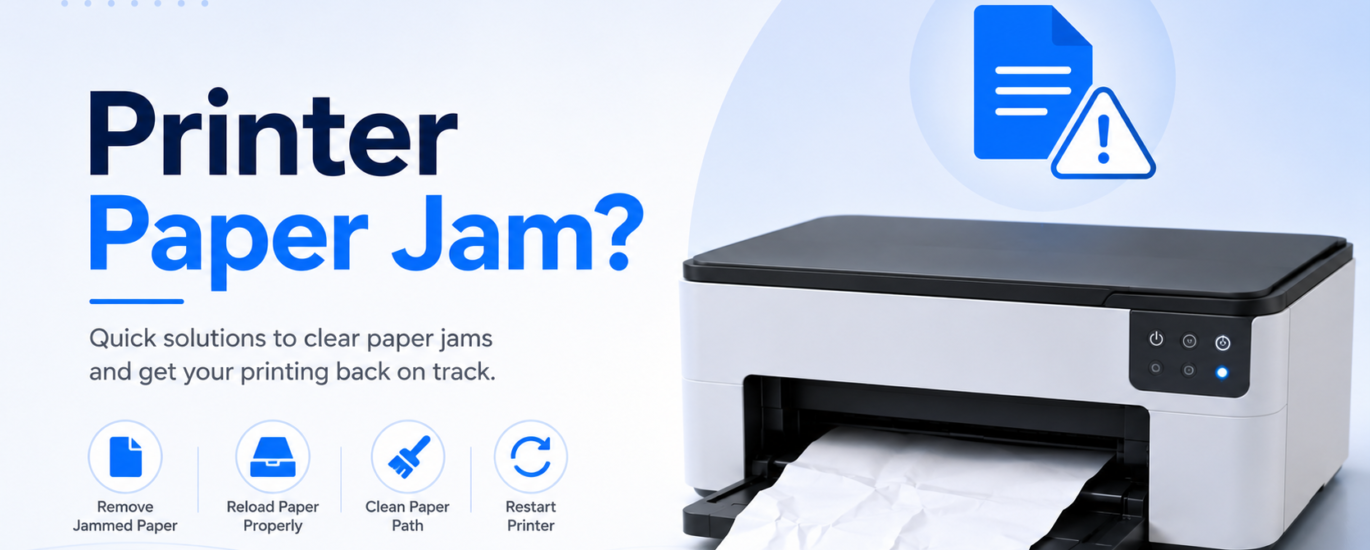
A paper jam is one of the most common printer problems and can prevent documents from printing correctly. It usually happens when paper is loaded improperly, multiple sheets feed at once, or small pieces of paper become stuck inside the printer. In most cases, a paper jam can be cleared safely by following a few simple steps and checking the paper path for any obstructions.
Common Causes
- Paper loaded incorrectly
- Too many sheets in the paper tray
- Wrinkled, damp, or damaged paper
- Small pieces of paper stuck inside the printer
- Dirty or worn paper rollers
- Incorrect paper size or type
How to Fix a Printer Paper Jam
1. Turn Off the Printer
Switch off the printer before attempting to remove any jammed paper. This helps prevent damage to the internal components.
2. Remove the Jammed Paper Carefully
Open the printer covers and gently pull the jammed paper in the direction of the paper path. Avoid using excessive force, as this may tear the paper.
3. Check for Small Paper Pieces
Inspect the inside of the printer for any torn pieces of paper or other debris. Even small scraps can cause another paper jam.
4. Reload the Paper Correctly
Remove the paper from the tray, straighten the stack, and reload it neatly. Make sure the paper guides fit against the edges without being too tight.
5. Clean the Paper Path
Dust and debris can affect paper feeding. Carefully clean any visible dirt from the paper path and rollers using a soft, dry cloth.
6. Restart the Printer
After clearing the jam and reloading the paper, turn the printer back on and print a test page to confirm the issue has been resolved.
Prevention Tips
- Use clean, dry paper in good condition.
- Avoid overloading the paper tray.
- Align the paper before loading it.
- Keep the printer clean and free from dust.
- Remove printed pages promptly from the output tray.
Conclusion
Paper jams are usually caused by paper handling or minor obstructions rather than serious hardware problems. By removing the jam carefully, checking for torn paper, and loading paper correctly, you can restore normal printing and reduce the chances of future jams.
FAQs
Why does my printer keep getting paper jams?
Frequent paper jams are often caused by overloaded trays, damaged paper, dirty rollers, or small pieces of paper left inside the printer.
Can I pull the jammed paper out by force?
No. Always remove jammed paper gently in the direction of the paper path to avoid damaging the printer or tearing the paper.
How can I prevent paper jams?
Use good-quality paper, avoid overfilling the paper tray, keep the paper aligned, and clean the printer regularly to maintain smooth paper feeding.